Combine Short Videos from OMSCS
August 19 is the first day of the OMSCS Fall semester. A lot of course content got released during last week. Having to navigate and find all the pieces of information across Edstem and Canvas certainly feels a bit overwhelming. One of my biggest pet peeves is the short videos that seem to be popular with OMSCS, which range anywhere between 30s to a few minutes. I guess the ever-shortening attention span just doesn’t apply to serious education. So I decided to change it…Gratefully a zipped file of all the videos is providely by the staff and the videos are well organized prefixed with a human-readable sequential number.
And here is what I did. First I used ffmpeg to convert all mp4 files to have the same video and audio encoding before concatenation. This step was necessary because apparently the videos were not encoded the same way.
find *.* "*.mp4" -exec ffmpeg -i {} -c:v libx264 -c:a aac -strict experimental -movflags faststart -vf "fps=30,format=yuv420p" reencoded_{} \;
This command processes one file at a time. Via htop, It seems ffmpeg automatically uses all cores for the conversion and therefore it wasn’t necessary to run this command in parallel.
The next step is concatenate all these converted files using ffmpeg. To do so, ffmpeg requires a input file with the list of videos to be combined. This is again an easy shell command, provided by ffmpeg.
for f in *.mp4; do echo "file '$f'" >> filelist; done
This generates a file with a content like below
file 'file1.mp4'
file 'file2.mp4'
...
Then I combined the files using
ffmpeg -f concat -safe 0 -i filelist -c copy final_output.mp4
Chapters would be nice for navigation. So I extracted the duration of each source file and created a chapter file using Python. Basically each chapter has its start and end time calculated from its duration and the information of the video before it. The chapter name is the name of the video. Kudos to OMSCS staff for painstakingly labeling hundreds of videos.
Finally the chapter file is combined with the mp4 file obtained in the previous step to create the final output.
ffmpeg -i final_output.mp4 -i chapters.txt -map_metadata 1 -c copy final_with_chapters.mp4
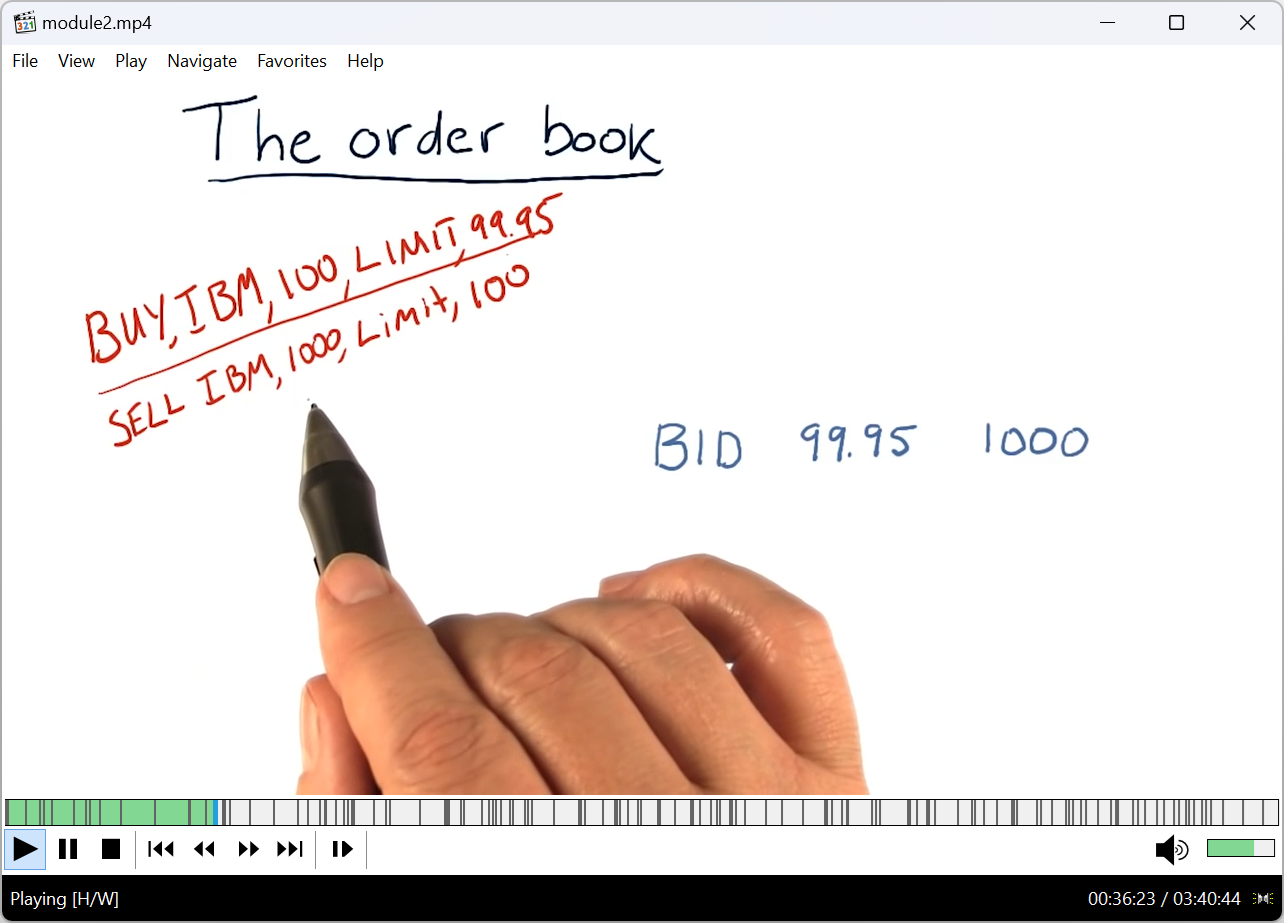
Voila.
Enjoy Reading This Article?
Here are some more articles you might like to read next: